> For the complete documentation index, see [llms.txt](https://docs.virbe.ai/llms.txt). Markdown versions of documentation pages are available by appending `.md` to page URLs; this page is available as [Markdown](https://docs.virbe.ai/master.md).
# Say hi to Virtual Beings!
Getting your first virtual being up and running with Virbe takes literally minutes. In this documentation, we're sharing with you all you need to know to quickly get through the initial setup, configure hardware for a digital signage solution, or use our SDKs.
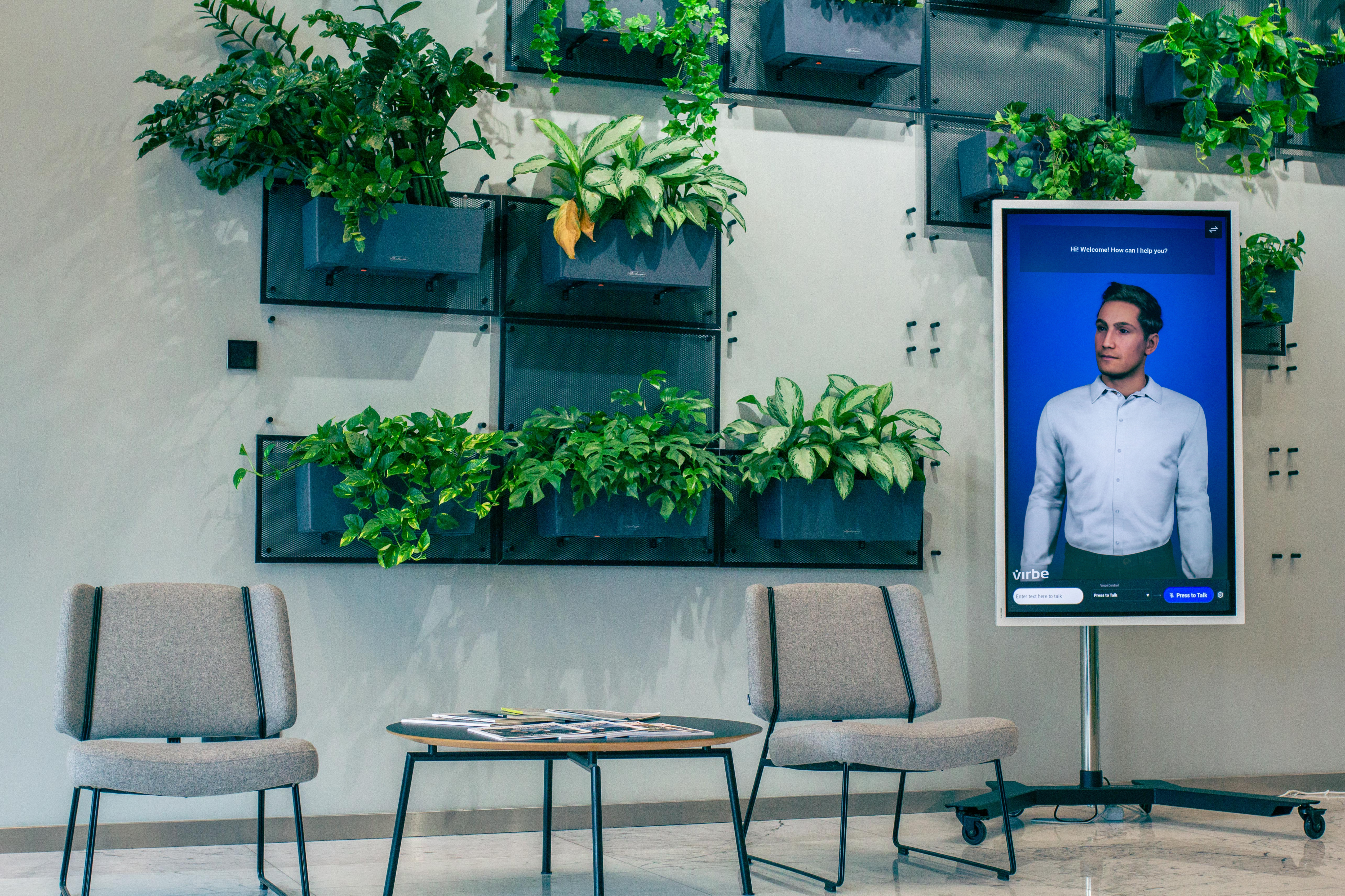
A virtual being on a digital signage screen
A virtual being on a website
To save you time, we suggest you first go through **the basics including:**
1. Virbe Hub introduction and dashboard deployment:
* [Virbe-hosted launch](/getting-started/introduction-to-virbe-platform/virbe-hosted-launch.md)
* [Azure-hosted deployment](/getting-started/introduction-to-virbe-platform/azure-hosted-deployment.md)
2. Important dashboard configurations:
* [Configurations](/dashboard-management/configurations.md)
* [Profiles](/dashboard-management/profiles.md)
* [Personas](/dashboard-management/personas.md)
3. To **learn more about touchpoints**, head out to:
* [Metahuman Kiosk](/touchpoints/kiosk-apps/metahuman-kiosk.md)
* [Web Widget](/touchpoints/web-integration.md)